Readers with some CMake experience may want to jump straight to ThreadX Porting Revisited - Saturn Ring Base
ThreadX Kernel Overview
ThreadX has been donated to the Eclipse Foundation, and the open-source code now lives here.

I usually use ST's fork. The support isn't much better, and it still has all the usual pitfalls.

The ThreadX kernel consists of three parts: the ThreadX operating system kernel, the Modules component, and Trace debug monitoring. In the ThreadX source code, many of these are mixed together. So this is a short document to record them — it is both a porting tutorial and a note on the library structure.
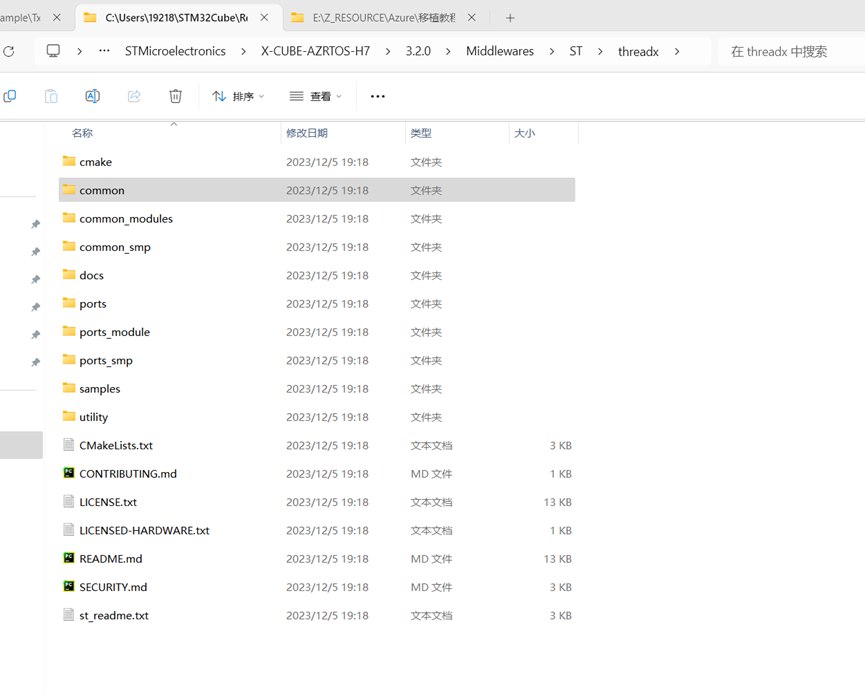
image-20250120113105909
It shows the three versions of the system kernel:
common— the regular kernelcommon_module— the kernel with module-loading support, where hardware drivers and software logic can be completely separatedcommon_smp— the kernel with multi-core MCU support
The goal of porting the kernel is to use these components:
- ThreadX operating system kernel
- Modules
- Trace debug monitoring
Bare-Kernel Porting
“Bare kernel” is my own term — as opposed to the modules-based kernel and the smp-based kernel, it is functionally no different from an ordinary RTOS such as FreeRTOS or BIOS. It just makes it easier to port other ThreadX-family components, and the naming is more consistent: NetX, USBX, FileX and the like can be added to the system very simply.
Which files form the bare kernel?
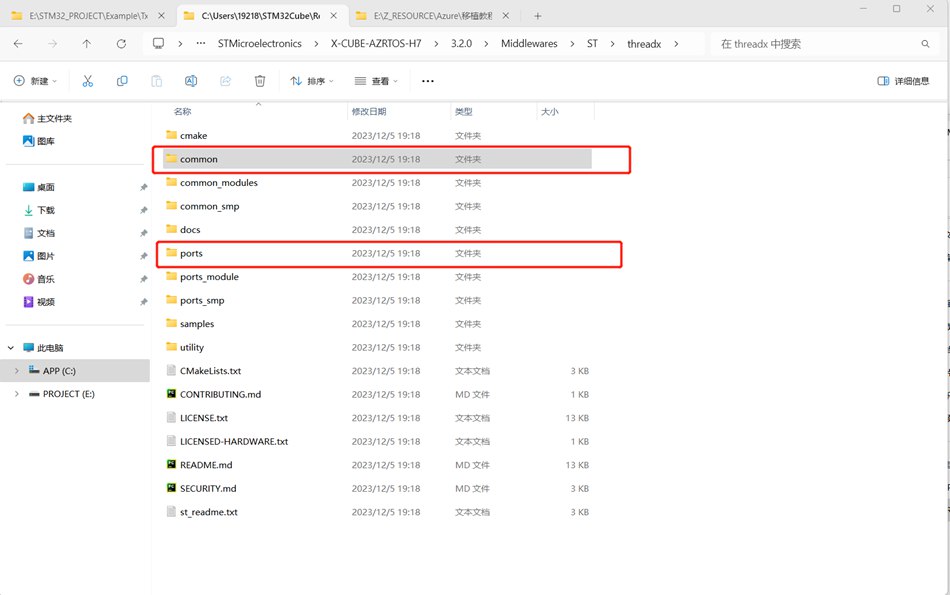
image-20250120113135771
In the ThreadX source code, there are two folders highlighted in the figure. These two folders are actually all the source code we need for porting the OS kernel.
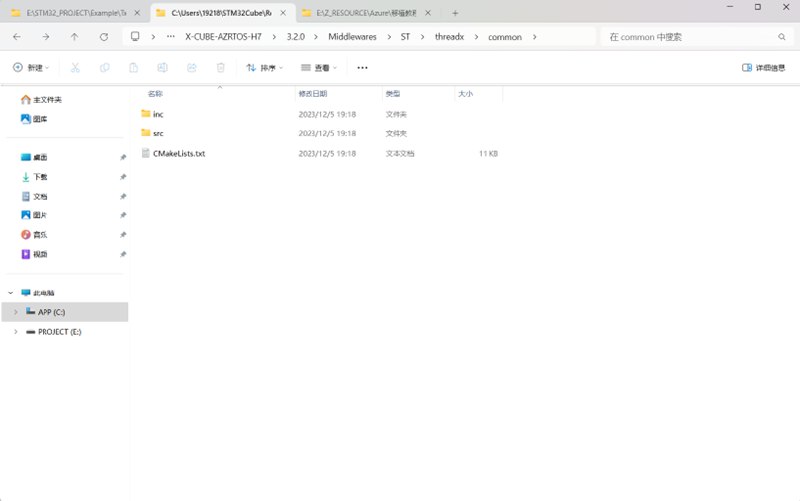
image-20250120113144296
First, take a look at the common folder. These are all required source files — in other words, all the files our project needs — but there are still a few noteworthy points.
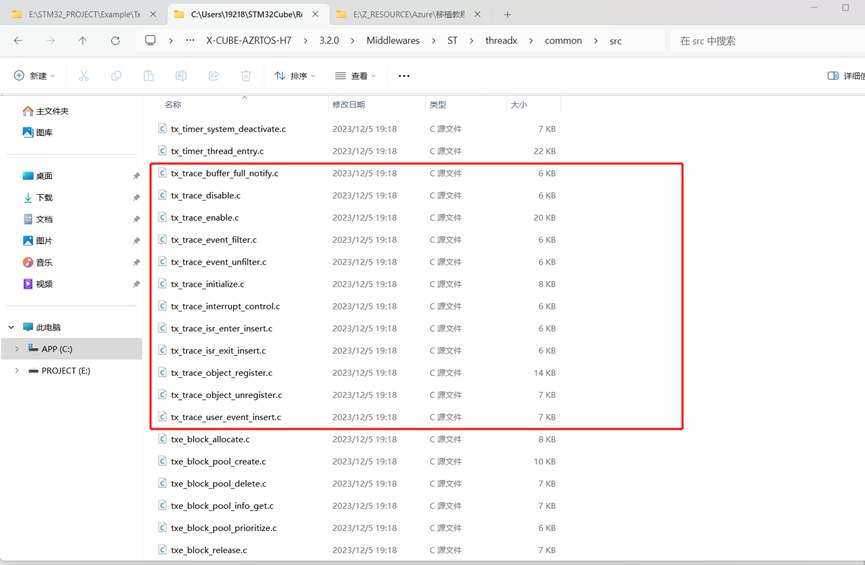
image-20250120113152696
In the stc folder, there are source files named tx_trace_xx, which are the sources used by Trace debug monitoring.
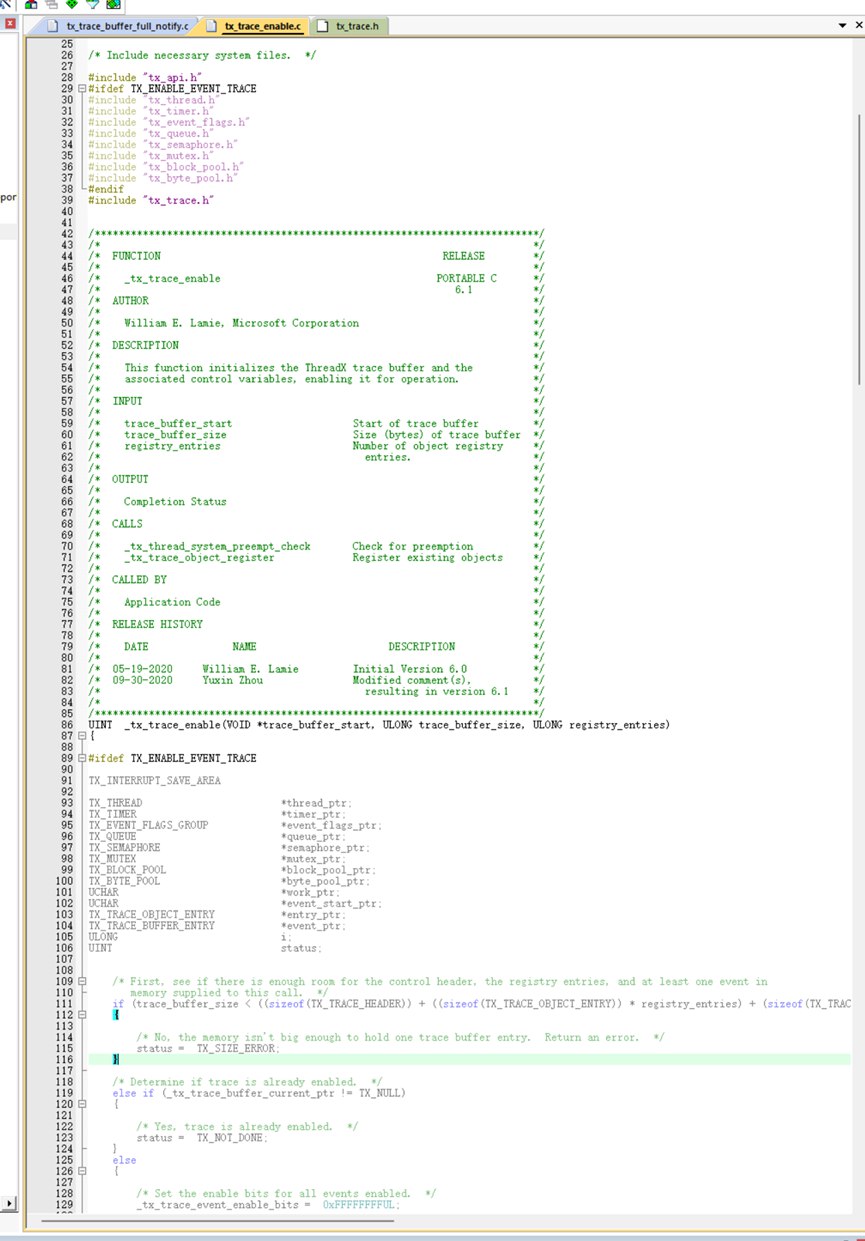
image-20250120113211734
Take this function that enables monitoring as an example: if monitoring is not enabled via the TX_ENABLE_EVENT_TRACE macro, this function does nothing.
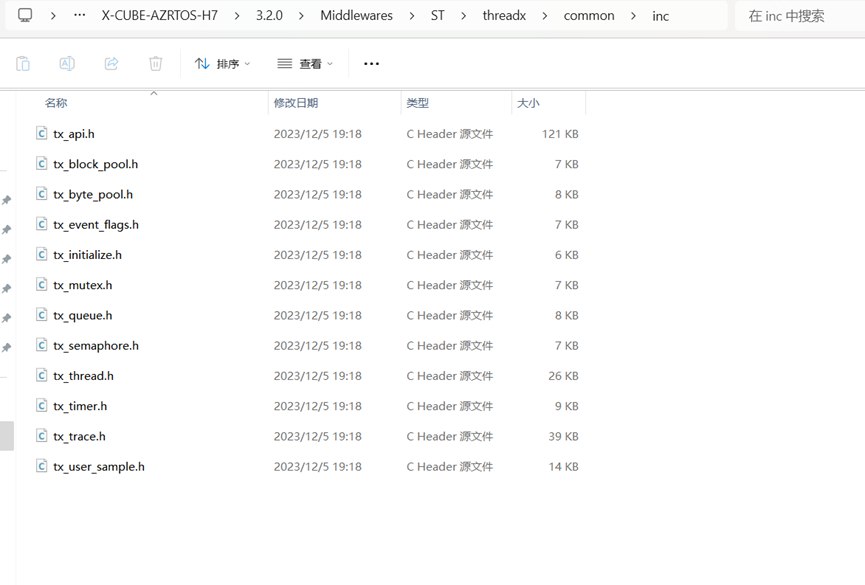
image-20250120113221624
In the inc folder, there is also a tx_trace.h file.
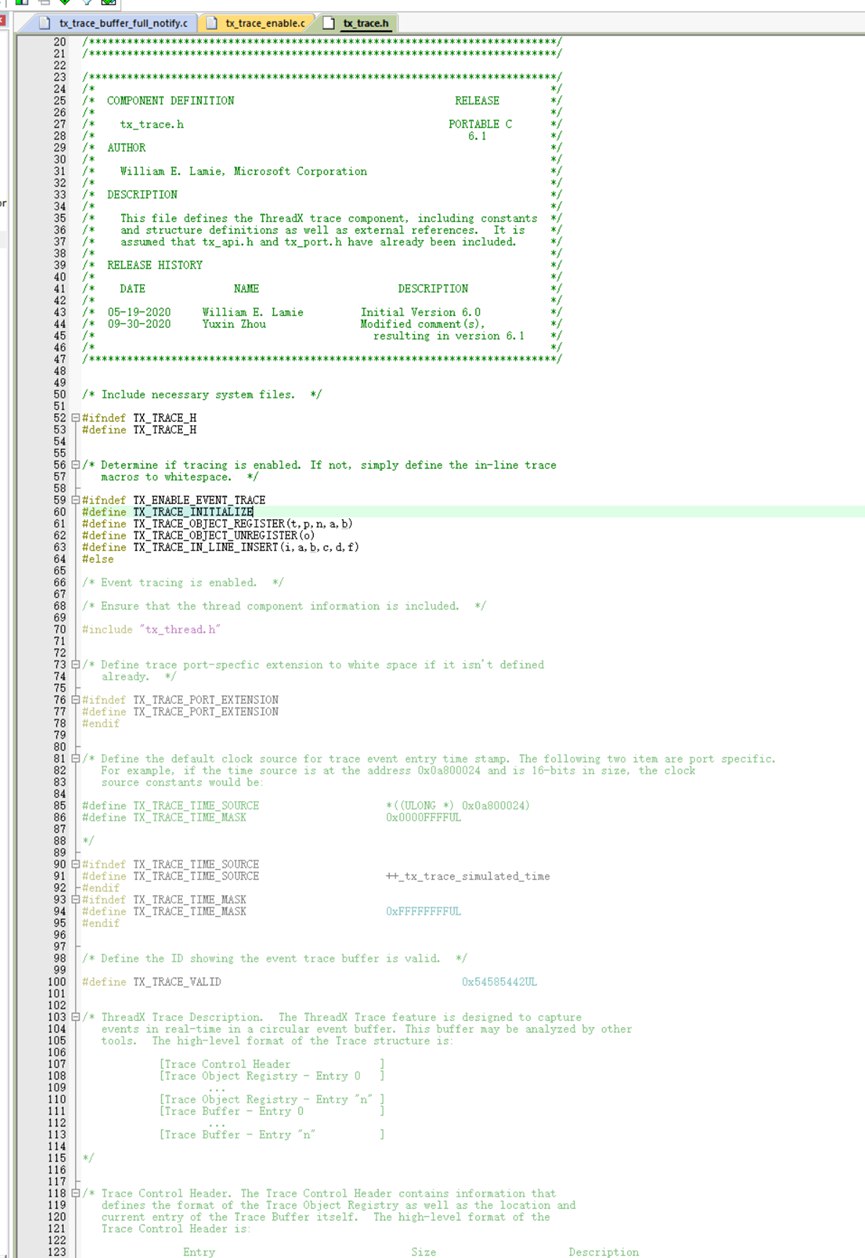
image-20250120113231145
Without the TX_ENABLE_EVENT_TRACE macro defined, it also does almost nothing.
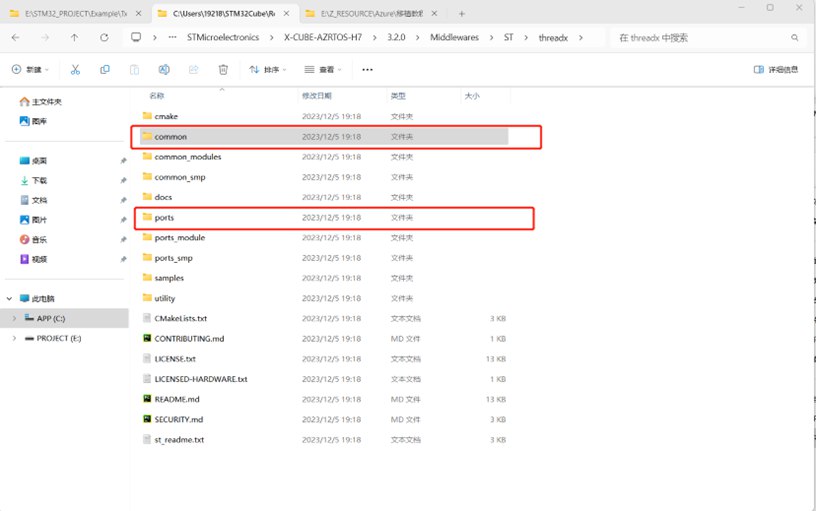
image-20250120113327255
Back in the source tree, take a look at the ports folder.
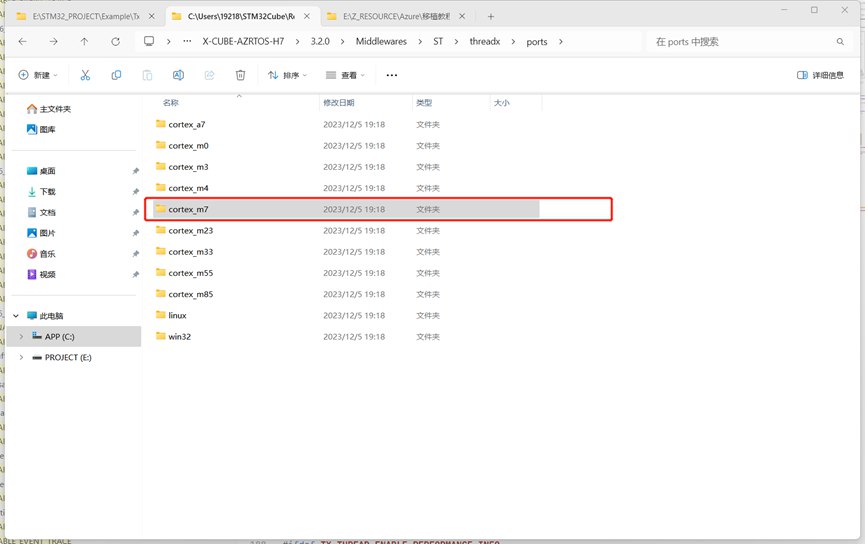
image-20250120113335373
Find the kernel that matches your target.
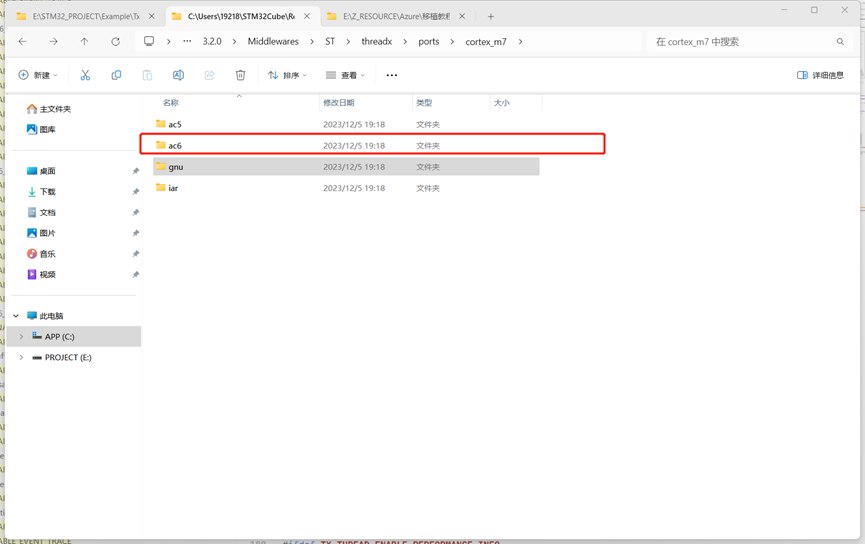
image-20250120113343609
Find your compiler. Both the source and header files are required by the project.Also note that you should exclude the tx_misra.S file if it is present, because a tx_misra.c may already be defined.
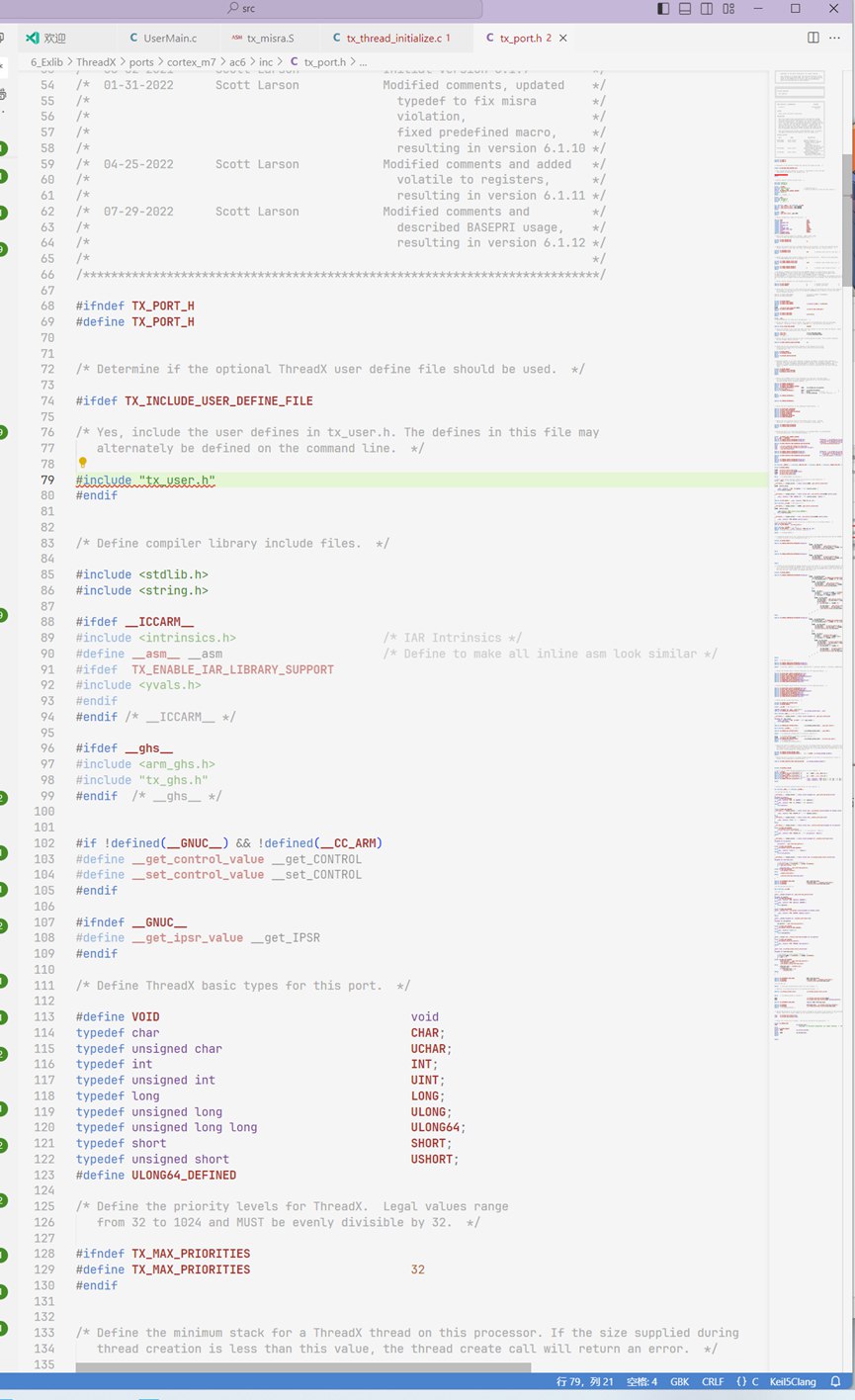
image-20250120113358035
Briefly introduce the tx_port.h file in ports/<kernel name>/<compiler name>/inc. This is the only interface for tuning ThreadX. Macros that control whether OS features are enabled, such as TX_ENABLE_EVENT_TRACE, can be placed in the compiler's global define settings.
But note line 79: it provides an additional .h interface for our definitions. We can define the TX_INCLUDE_USER_DEFINE_FILE macro in the compiler's global define settings, and then control the OS macros through a custom tx_user.h file.
There is a sample for this tx_user.h file in the OS source code: under common\inc there is a file named tx_user_sample.h or similar as an example, but you need to create the tx_user.h file yourself or rename the sample file.
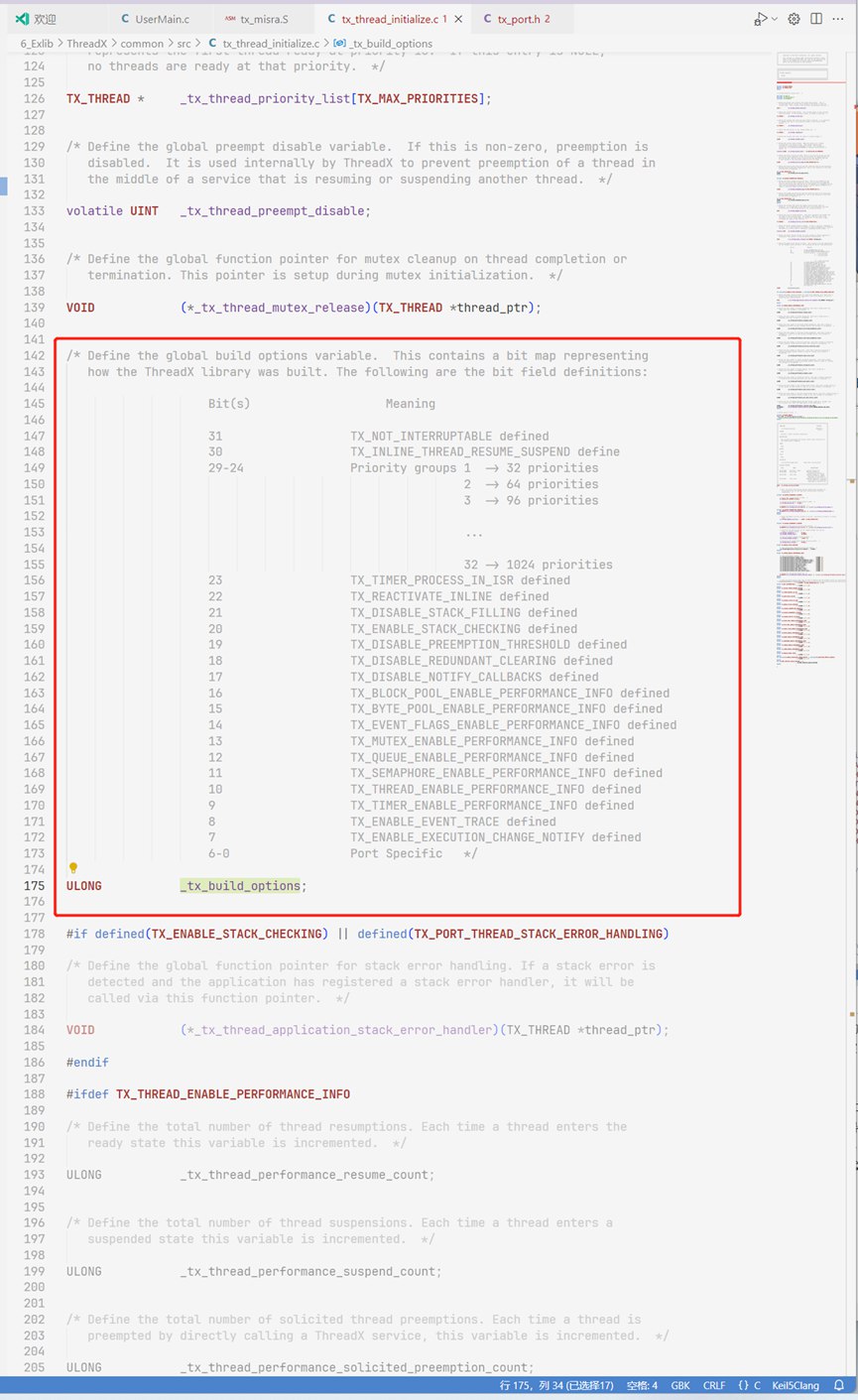
image-20250120113414656
Under common\src there is a file tx_thread_initialize.c, which contains a variable that lets you inspect the configuration at runtime. This variable is also declared extern in tx_thread.h, so when using ThreadX you can check this variable anywhere, but you must not declare it again.
How to Enable It?
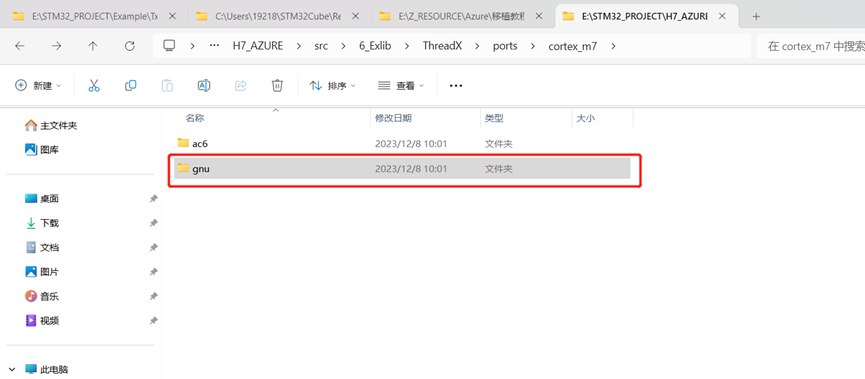
image-20250120113428701
Although we use the AC6 compiler, it's still worth looking at the gnu folder first, because it contains a simple task-creation example.
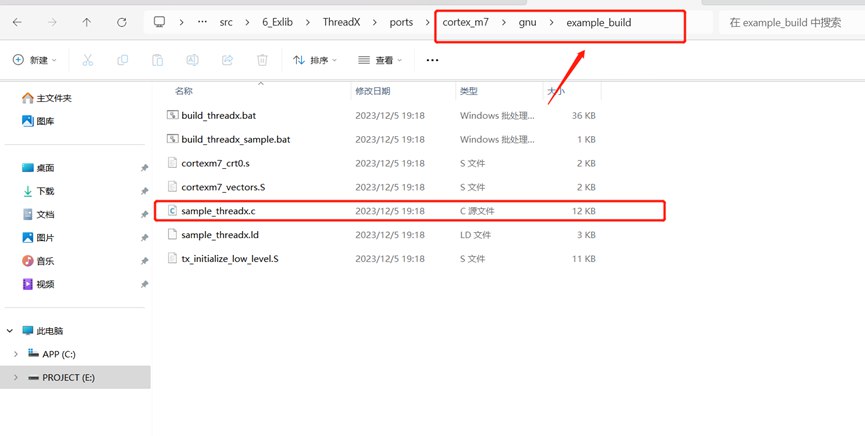
image-20250120113436203
Here it is!
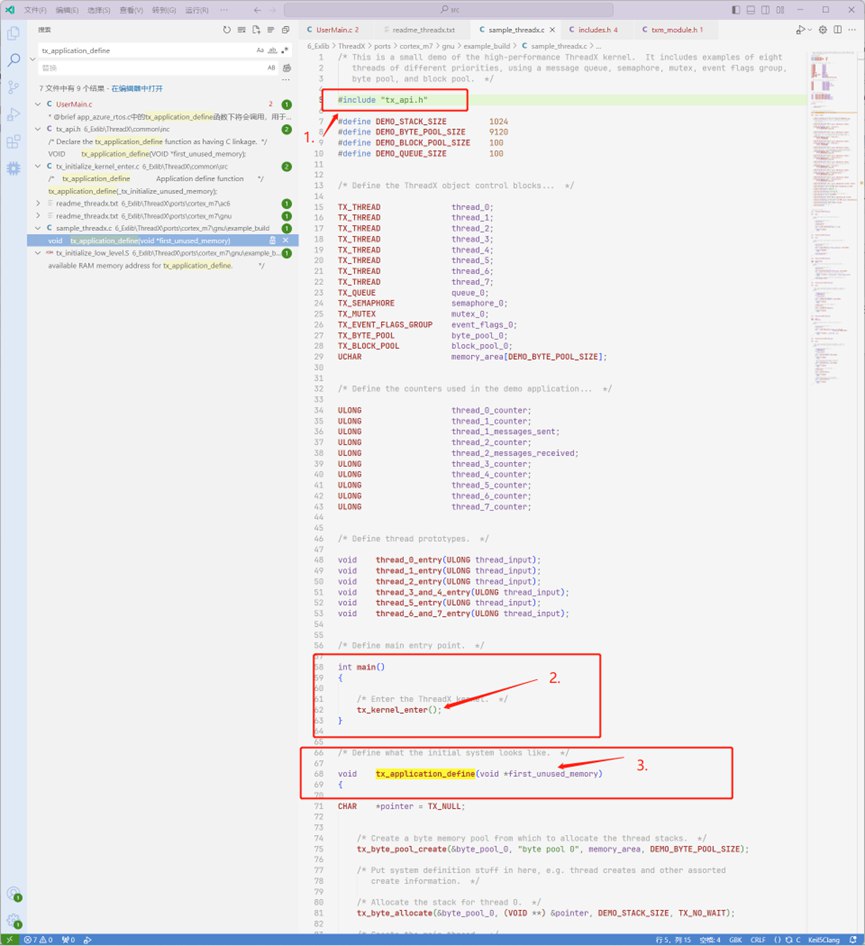
image-20250120113446122
Let's briefly analyze the example:
- This part is the header file; it just includes tx_api.h.
- This part is the main entry point.
- This part is a function that you must define yourself. It is called when _tx_initialize_kernel_enter() starts the ThreadX kernel. In fact, it is the interface provided to your user program after the kernel starts.
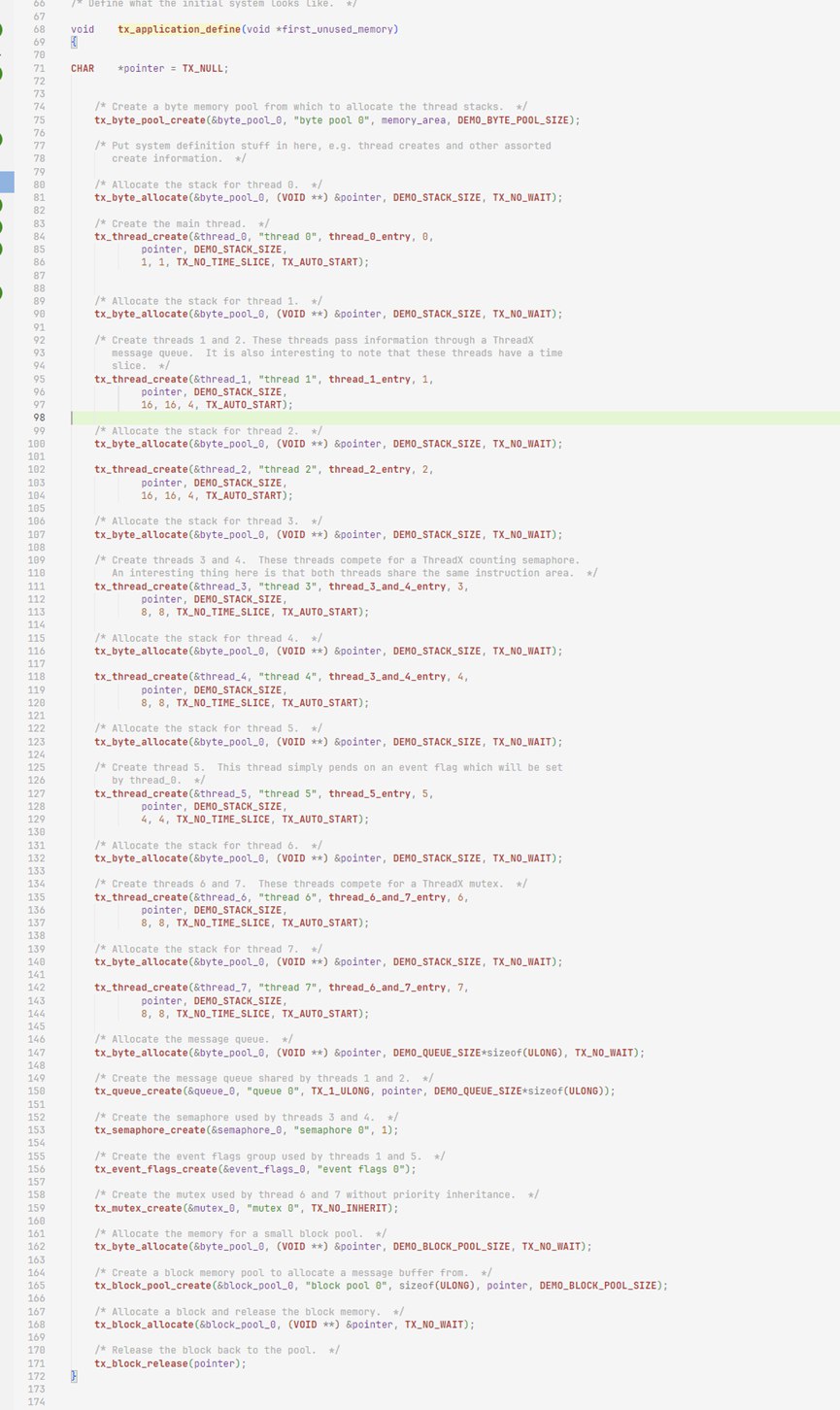
image-20250120113503114
Looking at this user-interface function, it essentially demonstrates several of ThreadX's main APIs: allocating memory, using that memory to create a thread, creating a message queue, creating a semaphore, and other common, frequently used APIs. For details on how to use them, check the source code yourself.
Combining the entire example, we know the most basic operations for using the ThreadX kernel: